Angel Engine

All you agent,
in one desktop.

Angel Engine brings Codex, OpenCode, and Claude Code chats into a desktop client.

Works withCodexOpenCodeClaude CodeGitHub CopilotCursorand more ...
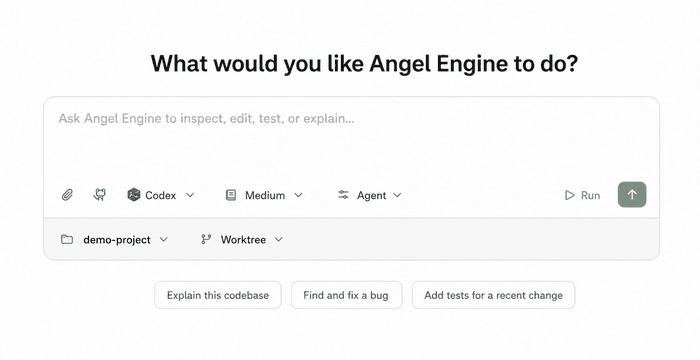
Angel Engine desktop chat interface
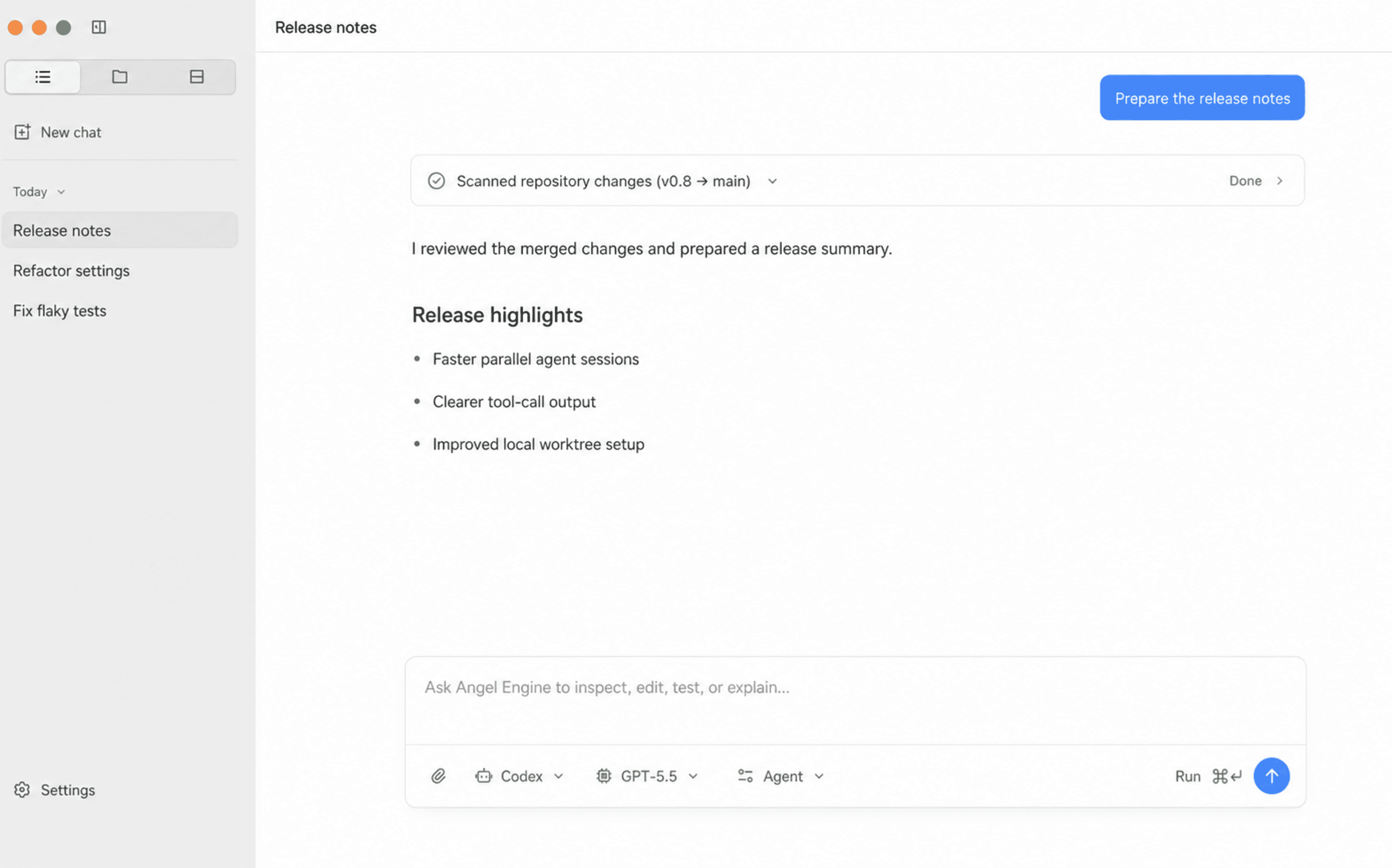
Simple chat screenshot

Simple chat

A quiet chat surface for real agent work

Start a thread, choose the runtime, pick the model, and keep the conversation focused. Angel Engine keeps Codex, OpenCode, and Claude Code inside the same desktop flow.

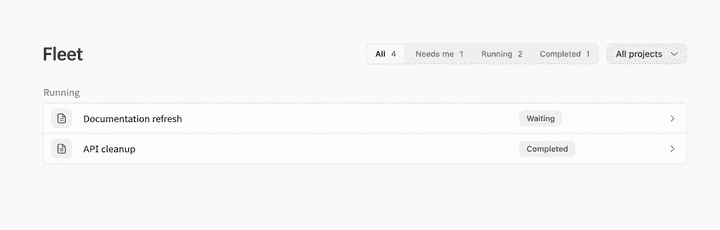
Project chat screenshot

Project chat

Keep every thread attached to its project

Project chat groups conversations by workspace, so each repo keeps its own history, runtime context, and follow-up work without mixing sessions together.

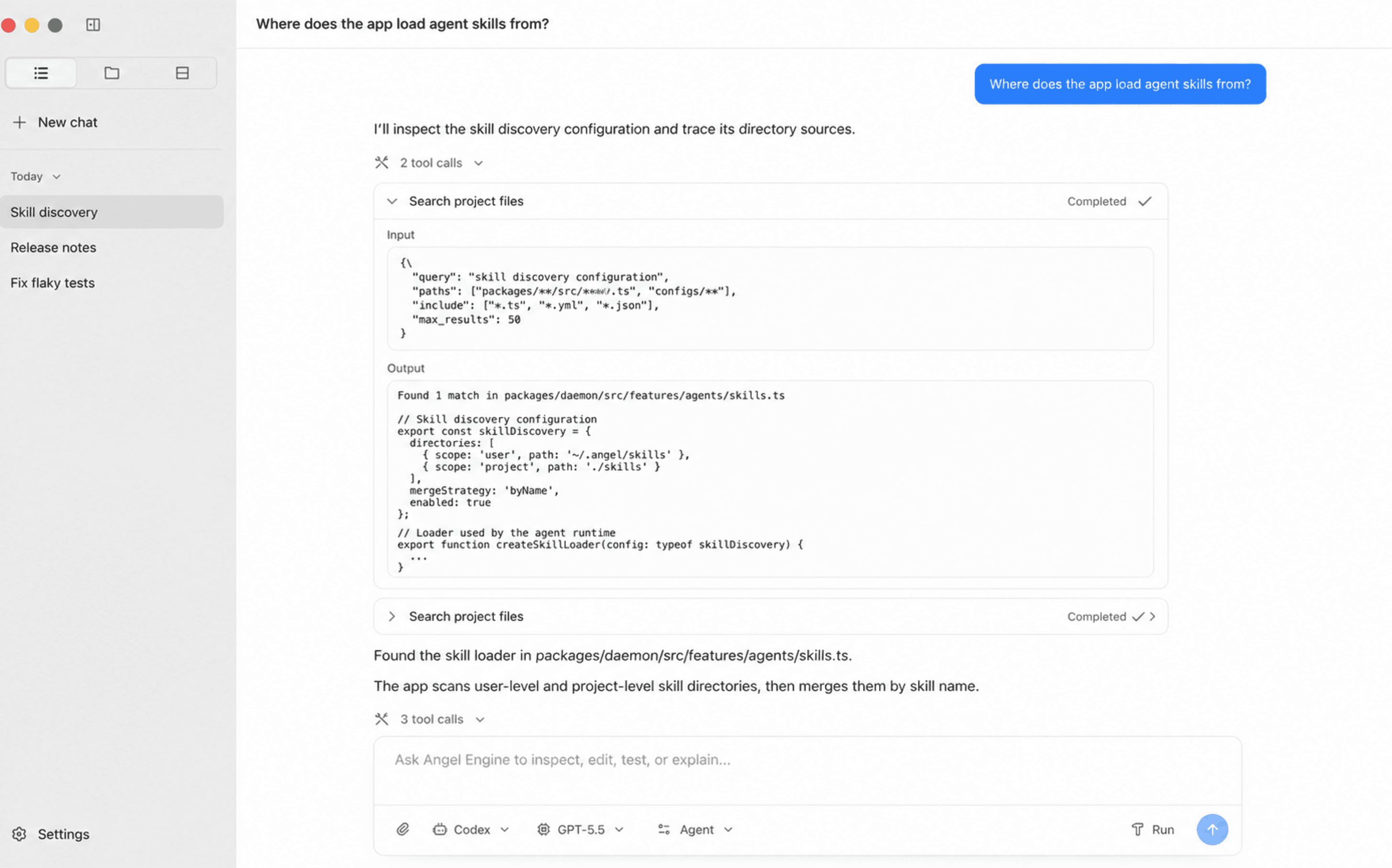
Rich chat UI screenshot

Rich chat UI

Open tool calls without leaving the thread

Tool calls, command output, code blocks, and assistant text stay readable in one stream. You can inspect what happened while the agent keeps the conversation moving.

All providers screenshot

All providers

Turn every agent on from one place

Enable Codex, Kimi, OpenCode, Qoder, GitHub Copilot, Gemini, Cursor, Cline, and Claude Code from the same settings screen.

FAQ

Questions & answers.

What is Angel Engine?

Angel Engine is a desktop chat app for coding agents. It gives you one clean place to talk to tools like Codex, OpenCode, and Claude Code.

Who is it for?

It is for people who already use agentic coding tools and want them to feel more like a focused desktop app than a pile of terminals, tabs, and separate chat windows.

Which agents can I use?

Angel Engine is designed around Codex, OpenCode, and Claude Code, with settings for enabling more agents from the same desktop.

Can I use it per project?

Yes. You can keep chats tied to the project they belong to, so work for one repo does not get mixed into another.

Do I need to learn a new workflow?

No. Start a chat, choose an agent and model, then send the task. Tool calls, output, and follow-up messages stay in the same thread.

Is it open source?

Yes. Angel Engine is built in the open, so you can inspect it, run it locally, and follow how the desktop app is evolving.